 AI connections →
LAUNCHBOX HELP
A clear next step.
Short walkthroughs for the things you want to do. Watch the video, follow the written steps, and try it in your own community.
Use your assistant
2:28 · VIDEO + WRITTEN GUIDE
What can you do with LaunchBox + AI?
Turn ideas into post drafts, lessons and useful resources. Bring images and video into the workflow.
2:26 · VIDEO + WRITTEN GUIDE
Your AI community advisor
Review community activity, find conversation opportunities and save an approved private action plan.
Connect an assistant
1:53 · VIDEO + WRITTEN GUIDE
Connect ChatGPT
Connect your community, review access and check that ChatGPT can see the right community.
1:16 · VIDEO + WRITTEN GUIDE
Connect Muse
Ask Muse to connect, sign in and approve access to your LaunchBox community.
1:56 · VIDEO + WRITTEN GUIDE
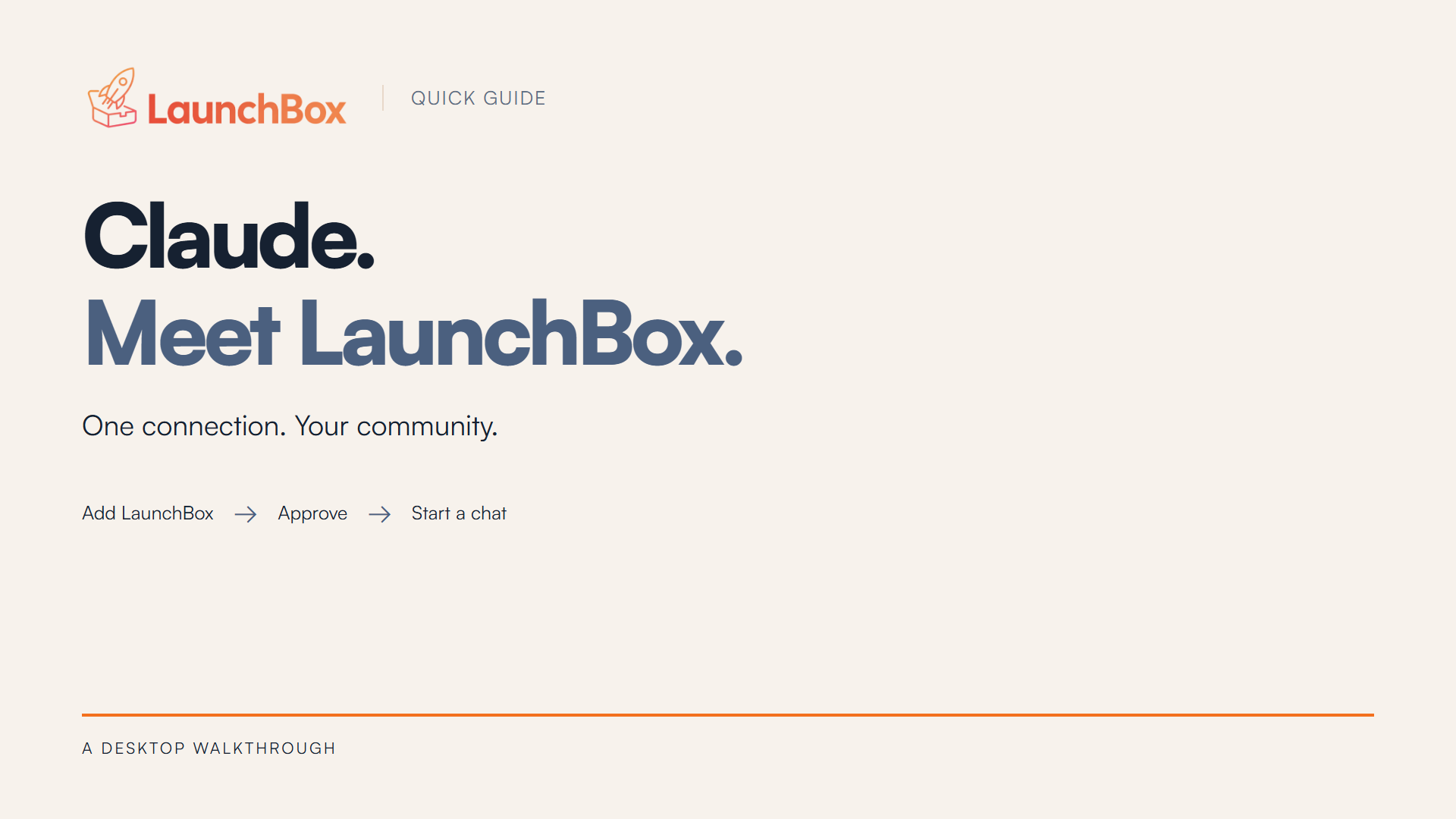
Connect Claude
Add or reconnect LaunchBox in Claude, choose permissions and verify the connection.
Looking for something else?
Inside your community, open Help → Support Agent and describe what you want to do. It can help with courses, members, payments, Studio and more, using the guides available for your role.
These public walkthroughs focus on community owners. Feature availability and permissions can vary. Each guide explains what was checked and any limits.